
Features
Everything the launcher does. Honestly described.
Where something depends on your box or needs a system install, it says so right next to it, not in a footnote.
Labels:Pronot in Play releaseif your box supports itcan be turned off
Home screen
Everything that matters, at a glance.
A large, thin clock, your apps and a few icons that tell you all is well. Nothing shouts at you.
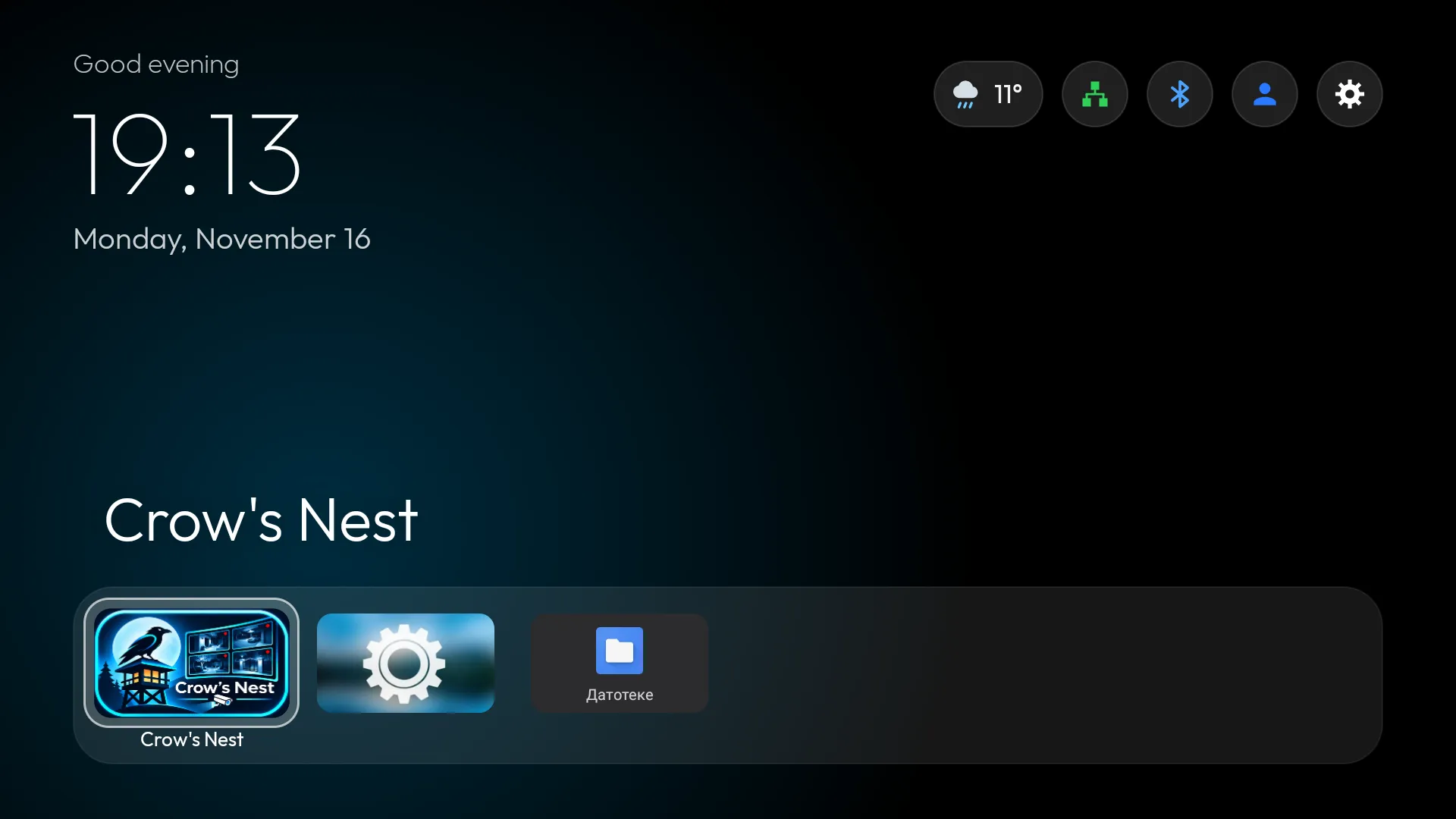
- Clock: digital 24h, digital 12h or analogPro
- Date and a time-of-day greetingcan be turned off
- A dock with 6 favorite apps, or 12 in two rows (set per profile)Pro
- Replace and reorder dock apps freely
- The focused tile grows slightly and shows its name below
- A glass focus frame that glides from tile to tile
- Focus color from the theme or your pick: white, blue, green, orange, pink, purple, yellowPro
- A glow behind the title in the focused app’s colorcan be turned off
- Status icons: weather, network (LAN or Wi-Fi, green when connected), Bluetooth (blue when a device is connected), profile and settings
- A dot on Settings when a new version is out
- System stats: RAM, CPU, chip temperature and network speed (auto, KB/s, MB/s or Mbit/s)Procan be turned off
Preview and Continue watching
See what’s inside before you open an app.
As you move through the dock, the focused app shows what it has above it. Press OK to jump straight in.
- Preview row: movies, episodes and channels from the app’s Android TV channels, with posters
- Content from every app in the Preview rownot in Play release
- With two dock rows, cards get smaller so everything fits
- Continue watching: what you started, from every app, in one row
- Remove any item from Continue watching
- New content badge: a dot on an app when it has published something new since you last opened itProcan be turned off
Preview shows only what an app publishes in its Android TV channels. Some apps don’t, so their row stays empty. To show content from every app, the launcher has to be installed as a system app.
All apps
Any app, in seconds.
A grid of every installed app, with TV banners where available. Search, sort and hide apps your way.
- Search: a tile at the start of the grid; filters as you type, with results above the keyboard
- Search ignores diacritics
- The SEARCH key on your remote opens searchif your box supports it
- Voice searchif your box supports it
- Order: alphabetical, most used, or manual
- Move mode inserts a tile and shifts the others
- Hide apps, and bring them back from the “Hidden” tile
- App menu (long-press OK): open, move, replace or add to dock, hide, info, uninstall
Weather
Weather, with no account and no key.
The forecast in one click, without opening a single app.
- Current conditions, the next 24 hours and 7 days
- Pick your city from a list of cities
- Three card stylesPro
- Data from Open-Meteo, with no account or API key; only your chosen city’s coordinates are sent
Profiles
Everyone gets their own TV.
Local profiles like “Mine,” “Family” and “Kids,” with 8 colored icons always on the home screen.
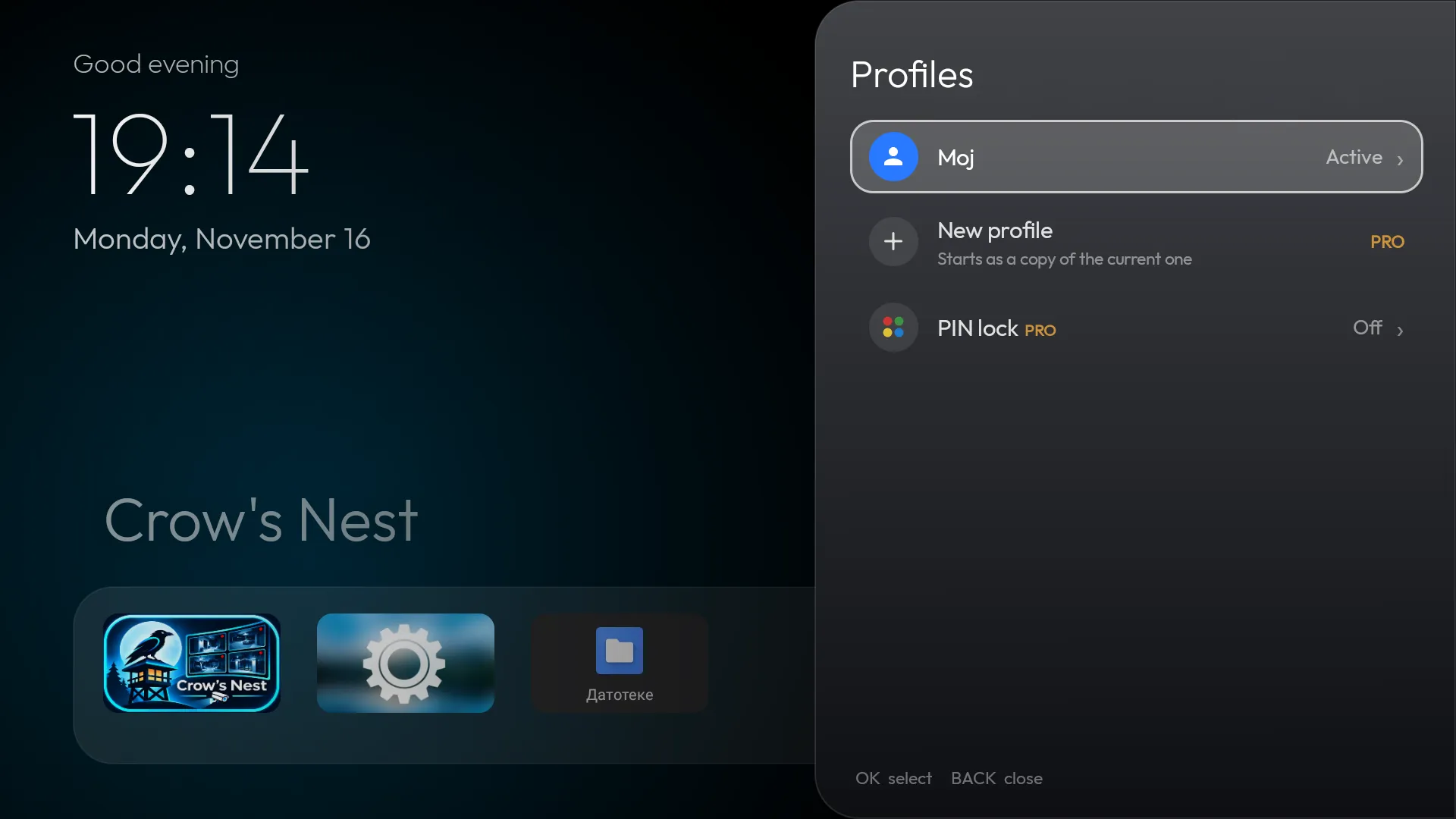
- Each profile has its own dock and number of dock rowsPro
- Its own app order and hidden apps
- And its own theme
These are launcher profiles. They aren’t Android users and don’t separate accounts inside apps: your YouTube history, for example, stays shared.
PIN lock
Kids see only theirs.
One PIN of 4 to 8 digits for the whole launcher, and you decide where it’s asked.
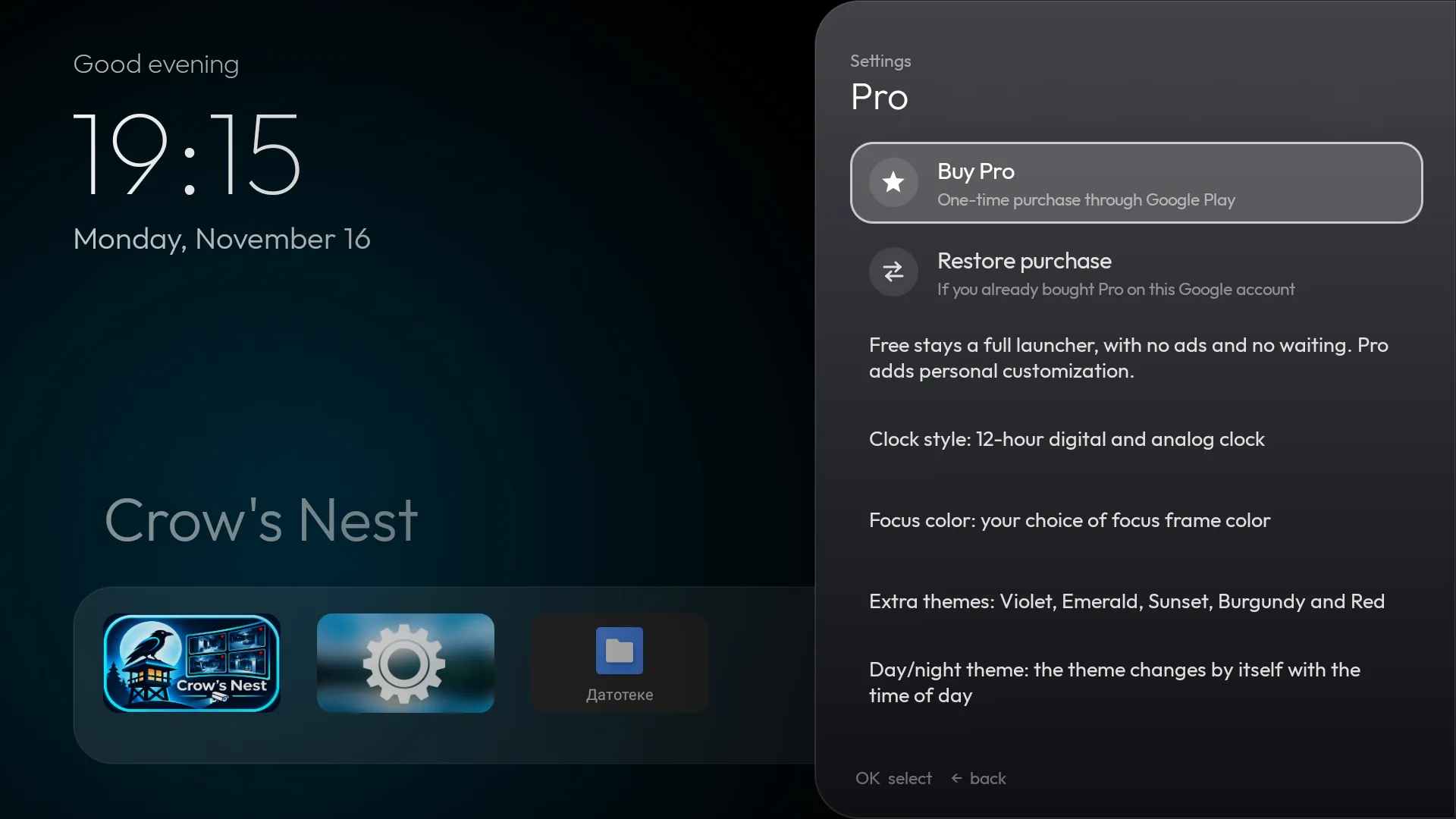
- Locked profile: while it’s active, settings, the app menu, profile change, network, Bluetooth and hidden apps ask for the PINPro
- PIN to enter: the PIN is asked when the profile is chosenPro
- The PIN window shows which profile it’s asking for
- After the right PIN, the launcher stays unlocked for 5 minutes or until an app opens
- Five wrong attempts pause input for 30 seconds
- The PIN is stored only as a salted hash and never goes into a backup
Backup and restore
Backup in thirty seconds.
Your whole setup in one ZIP. A new box or a reset no longer means an hour of setup.
- One-click export of the whole configuration to a ZIP, with the current wallpaper
- Restore from internal storage or USB
- Before restoring, see which apps are missing on the device; they’re simply left out of the dock
- Your current setup is saved automatically before every restore
- Automatic daily backup when something changed; keeps the last 5Pro
- A copy to USB when a drive is insertednot in Play release
- Reset to defaults
Look and feel
Your style. Your colors.
Built-in themes or your own pictures, day and night themes on a schedule, and a screensaver with a clock that looks good in any room.
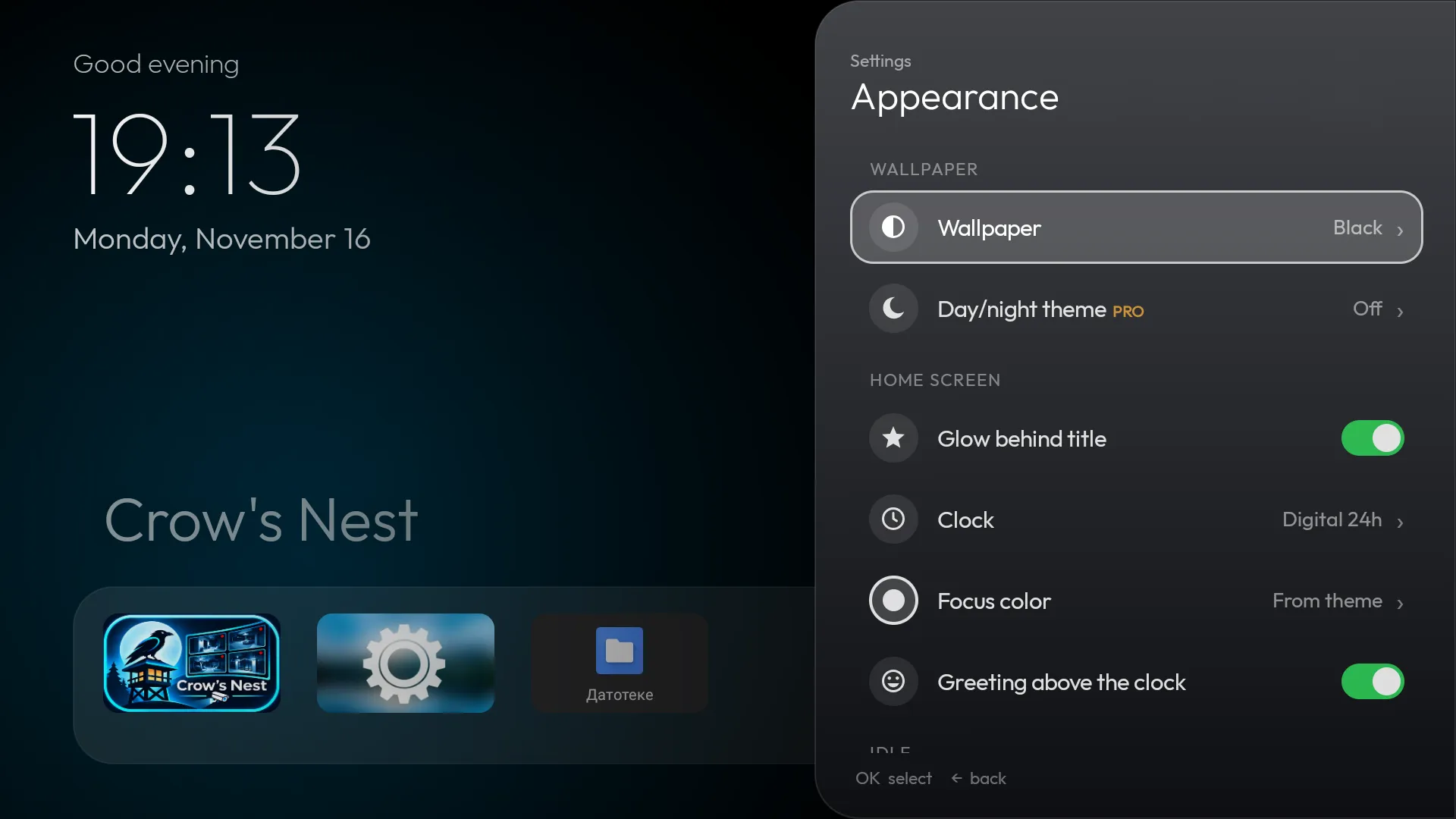
- Solid and gradient themes: Midnight, Ocean, Violet, Emerald, Sunset, Burgundy, Red, BlackPro
- 8 built-in wallpapers the launcher draws itself (Northern lights, Nebula, Ocean, Mountains and more), no pictures or permissions neededPro
- Your own wallpapers from a folder on the boxPro
- Automatic day and night themes, on hours you choosePro
- A built-in screensaver with the clock, weather and rotating wallpapersPro
- Three clock styles and a focus color of your choicePro
- Side panel menus with sections, breadcrumbs, icons and switches
System
Full control of your box.
Whatever your box’s firmware hides or leaves out is two clicks away.

- Free up memory: closes background apps outside the dock and shows how much RAM was freed
- Free up memory as a dock tile and as a button in the top rightPro
- Permissions screen: what the launcher may do, what is granted and how to grant it, with the adb command when your box has no Android screen for it
- Choose the default launcher, even on firmware that doesn’t offer it, with an explanation of what the firmware blocks
- Sleep timer and sleep now (needs one adb command)
- Restart and screensaver selectionnot in Play release
- A Bluetooth menu with quick pairing
- Keeps Bluetooth LE remotes connected on boxes whose chip doesn’t reconnect them on its own
- Diagnostics: firmware, uptime, memory, storage, temperature, network, Bluetooth, USB, permissions
- Color keys and special remote keys (with a companion service on the box, not part of the app)not in Play release
Languages
22 languages.
The launcher follows your Android language, or you can pick one yourself. Cyrillic and Greek get their own typeface.
- Srpski
- English
- Hrvatski
- Bosanski
- Slovenščina
- Македонски
- Shqip
- Română
- Slovenčina
- Čeština
- Deutsch
- Français
- Polski
- Türkçe
- Ελληνικά
- Español
- Русский
- Українська
- Português
- Magyar
- Български
- Italiano
Apart from Serbian and English, translations haven’t been reviewed by native speakers yet. If something reads oddly, let us know.
Play release
What works, and what Google Play doesn’t allow.
Crows TV Launcher installs from Google Play. Most features work right away; a few need privileges that Play apps aren’t given.
| Feature | In the Play release |
|---|---|
| Preview row with content from every app | Doesn’t work: needs a privileged permission. Continue watching and search work |
| Restart from the launcher and screensaver selection | Not available; pick the screensaver in Android settings |
| Saving a backup straight to USB | Not available; backups go to internal storage |
| Color keys and special remote keys | Not available (needs a companion service on the box) |
| Updates | Through Google Play |
| Sleep now and sleep timer | Works with one adb command (device administrator) |
These limits come from Android and Google Play, not from the launcher. If one of them matters to you, let us know.
InstallationPlanned
What’s coming.
None of this exists yet. It’s here so you know where the launcher is heading, with no promised dates.
- Folders and categories in All apps
- Wallpapers sent from your phone
- Shortcuts for Wi-Fi, audio output and resolution
- Google TV and Android 12+ support
- Smart modes and a family pack (Pro)
Try it on your box.
The Free version costs nothing. Don’t like it? Your old launcher is one click away.
Download